Agreement
If the patient is in warranty there is no cost for repair unless they want a rapid exchange which is priority so they don't have to be without aid.
There is an extended warranty fee that will be populated when you validate serials if aids are out of warranty. Unable to extend after 3 years. If a patient is outside of the window for a cost-free visit, there is a reprogramming fee of $65.00 required (as at 3.7.24, please confirm if cost has changed).
Beginning of the process: Patient calls with hearing aid issue → Customer service, PCC or HCP troubleshoots the device with Signia support to see what may be the issue
→If unable to fix the issue with Hearing Specialist and/or Signia Audiology and Tech Support then process repair by following process below
What you will need:
Patient’s Name
- Serial Numbers
- Receiver size
- Reason for repair
- Confirm the serial number for both or the side of the hearing aid that requires repair.
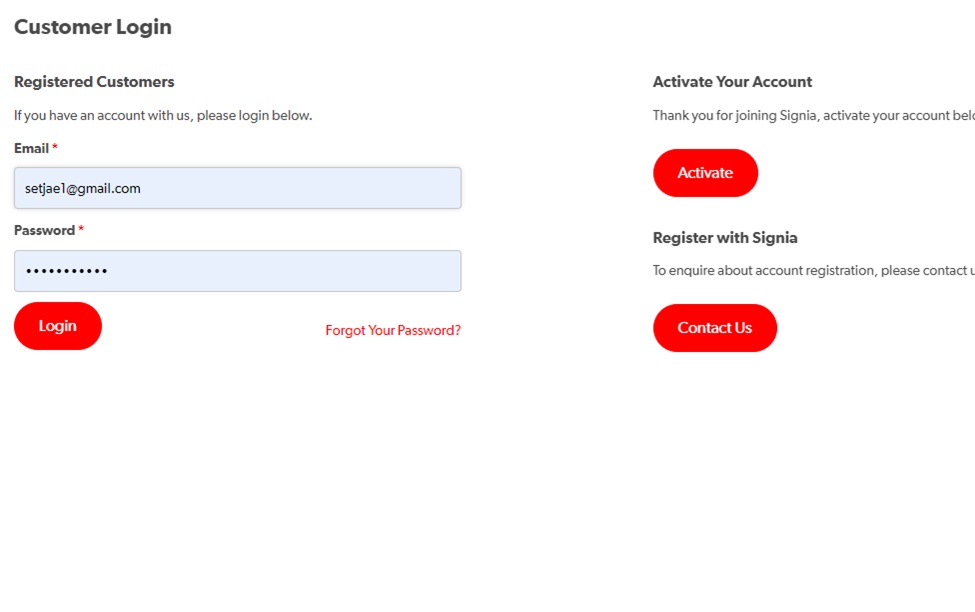
2. Sign in to MySignia- portal
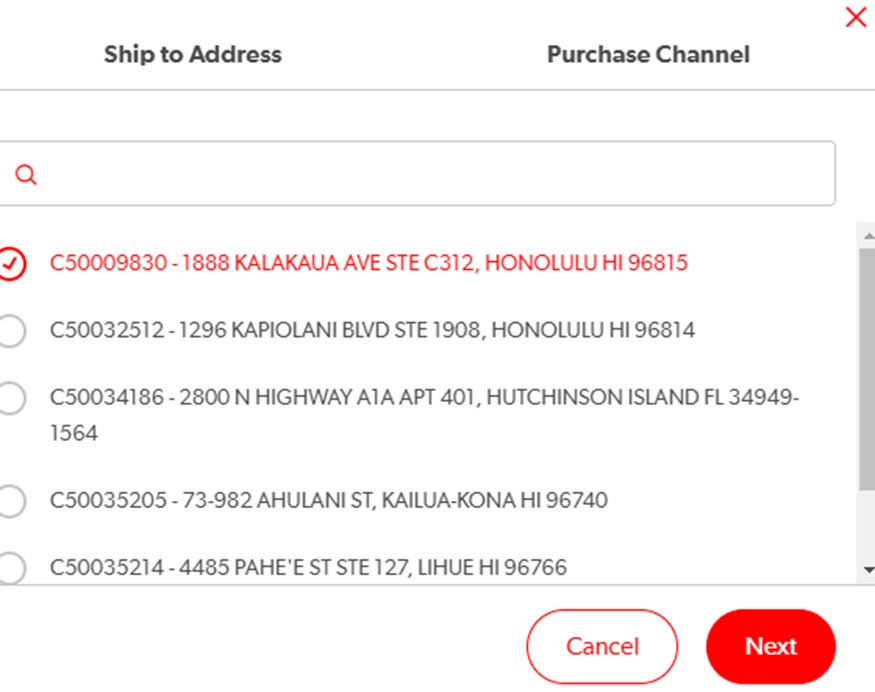
3. Select the Ship to address that the repaired aids should be shipped to and click Next
4. Let Purchase Channel remain with Fuel
5. Under - Service Orders select Repairs Signia Repair Process
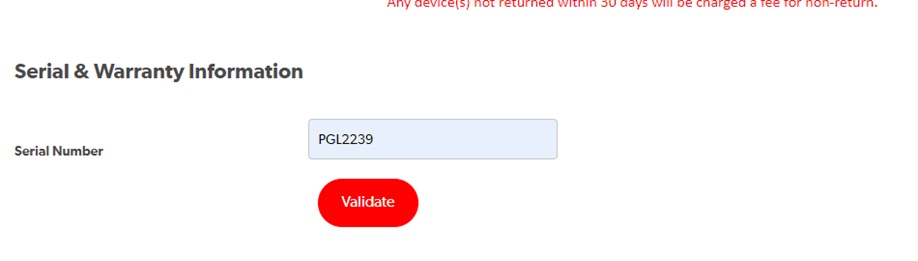
6. Enter serial Number and select Validate
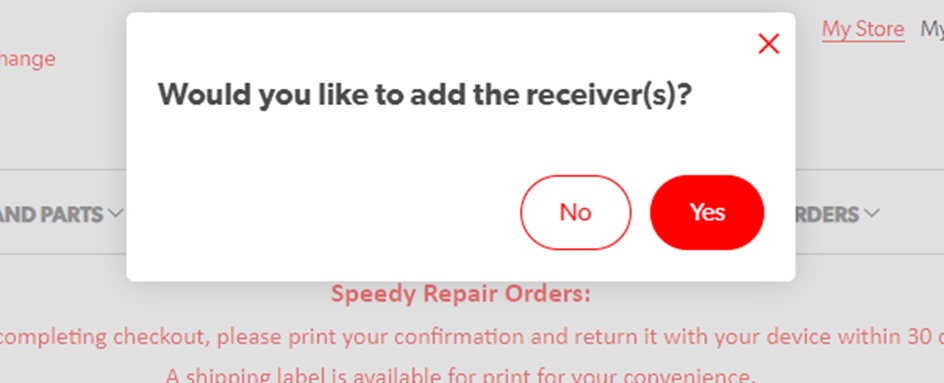
7. Add receivers sizes
8.
- Select Speedy repair if the patient calls in with the request or if repair is urgent. Select Standard if hearing aid is already in hand. When this is selected the replacement aids will be sent before the original aids are returned. Please note if the aids are not returned within 30 days there would be a charge applied to the account.
- Enter the receiver size for the particular side entered. miniReceiver 2.0 for X and older model, 3.0 for AX and newer.
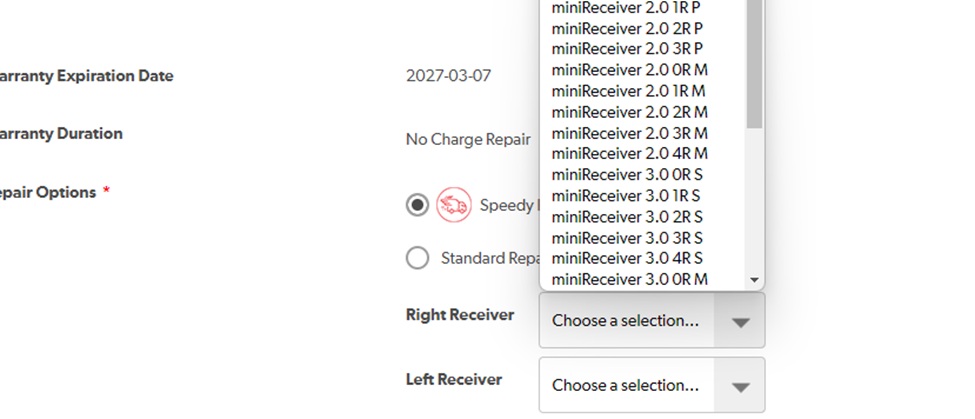
9. Select reason for repair and enter the customer email if it is available
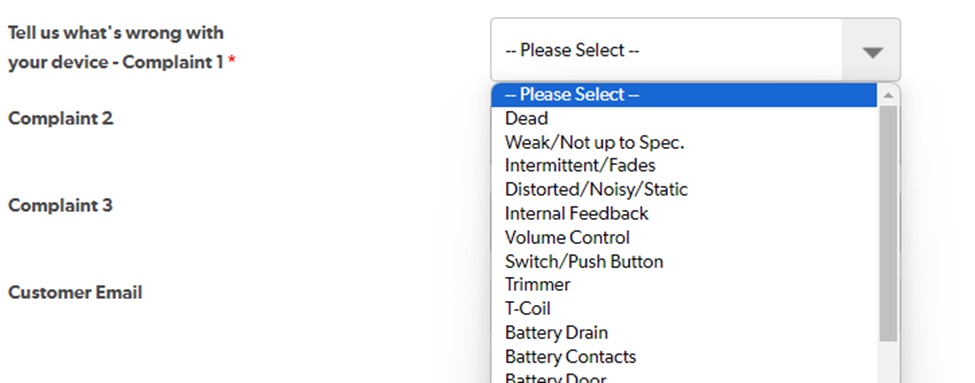
10. Add to cart and check out. Select next day shipping and do not change bill to information.

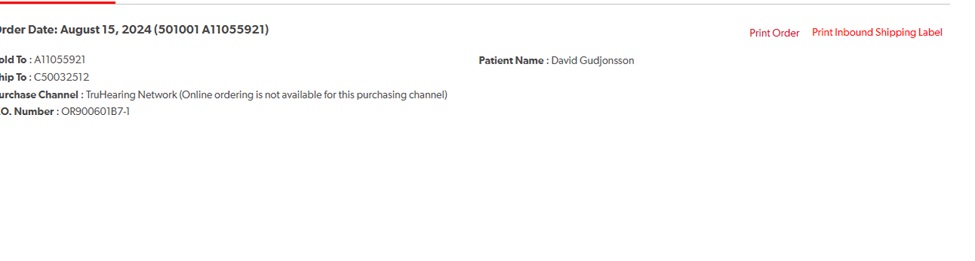
11. Please print the confirmation page to be included with the hearing aids being sent in for repair and inbound shipping label.
12. Shipping label can also be generated from the orders list.
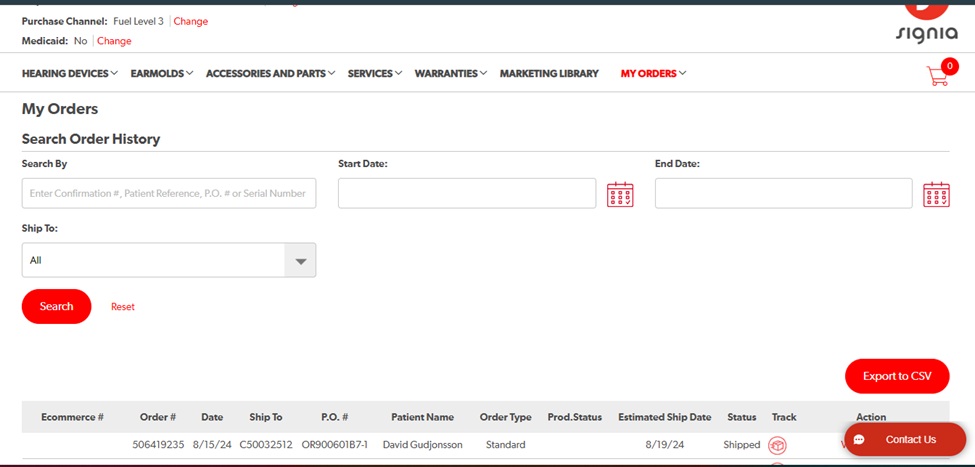
a. Click on View
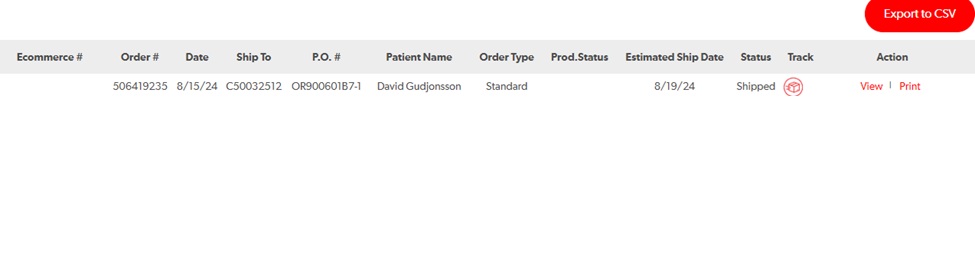
b. Click Print Inbound Shipping Label
Process ends when aids are returned and the patient is fitted with replacement.
There are no comments for now.
to be the first to leave a comment.